









Accessibility issues don't announce themselves.
They show up as legal notices, failed audits,
and users who quietly leave.

Web accessibility
audit without
blind spots

Book an audit

The window to fix this is closing

Accessibility compliance is no longer optional.
Regulations are enforced, legal exposure is real,
and users with disabilities make up a significant share
of any audience.

EAA is now in force

EAA is now in force

The European Accessibility Act took full effect in June 2025. Businesses selling digital products or services in the EU are required to meet accessibility standards — or face regulatory consequences.

ADA litigation is rising

ADA litigation is rising

In the US, accessibility-related lawsuits have grown steadily for years. Without documented compliance efforts, companies have limited ground to stand on when challenged.

You're losing users you can't see

You're losing users you can't see

Around 1 in 4 adults lives with some form of disability. If your site isn't accessible, a meaningful portion of your audience hits a wall — and leaves without saying why.

Accessibility affects SEO too

Accessibility affects SEO too

Screen reader–friendly markup, proper heading structure, and descriptive alt text overlap directly with what search engines reward. Fixing one helps the other.

What the audit
covers

A thorough accessibility audit goes beyond automated tools. We combine testing with manual review across the areas that matter most.

icon

Keyboard navigation

Every link, form, and menu tested for full keyboard use and logical focus order.

icon

Screen reader compatibility

Tested with real assistive tech to catch what automated tools consistently miss.

icon

Color & contrast

Text, UI elements, and images — contrast ratios checked across all interactive states.

icon

Forms & error handling

Field labels, error messages, and validation flows reviewed for assistive tech compatibility.

icon

Semantic structure

Heading hierarchy and ARIA usage audited so the page structure is clear to both browsers and assistive tools.

icon

Media & alternative content

Alt text, captions, and transcripts checked across images and video.

How an audit works

01 — Define the scope

icon

Before anything starts, we agree on what's being tested: which pages, user flows, and compliance level — typically WCAG 2.1 AA. This keeps the audit focused and the results actionable.

02 — Automated scan

icon

We run the site through industry-standard tools to surface common violations quickly. Useful as a baseline, but automated tools catch maybe 30% of real issues.

03 — Manual testing

icon

The bulk of the work. We test with screen readers, keyboard-only navigation, and zoom scenarios. This is where the gaps automated tools miss actually show up.

04 — Report & roadmap

icon

You get a structured report: issues ranked by severity, mapped to WCAG criteria, with clear remediation notes. Not just a list of problems — a plan for fixing them.

Vilmate
Curious what your site already fails?
Our free audit covers performance and accessibility signals —
enough to know whether a deeper review makes sense for your site.
Run a free audit

Why Vilmate

Your Team, Not a Rotation
Speed Without Shortcuts
ISO-Certified Quality
Nearshore Advantage
image
You work with the same developers start to finish. No handoffs, no "let me check with the team", no lost context mid-project.
image
We move fast — but not at the expense of code quality or architecture. Fast and clean aren't mutually exclusive.
image
Our processes are ISO-certified. That means structured code reviews, clear documentation, and predictable delivery.
image
Based in Eastern Europe, we overlap with US and EU working hours. Real-time collaboration without the timezone headache.

Selected work

A few projects that started with a challenge and ended with something that works.

See all cases
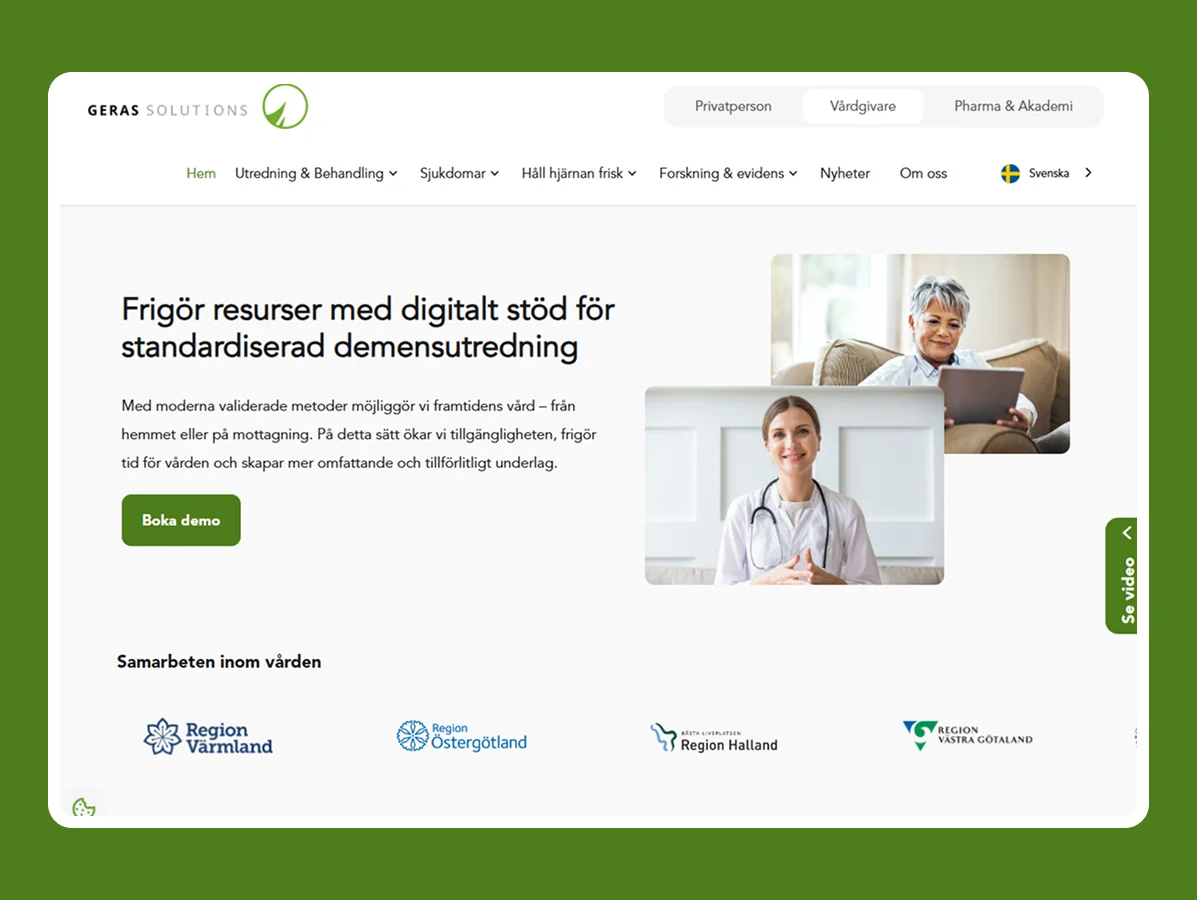
Geras
#healthcare
#express
#ios
#node.js
#react native
#react redux
Sweden

Geras

Mobile health application for dementia support
Geras brought our team in to develop the backend, server-side authorization, and a web application for its m-health platform.
4 months
To Usability Testing
2 platforms
Mobile & Web
View case study
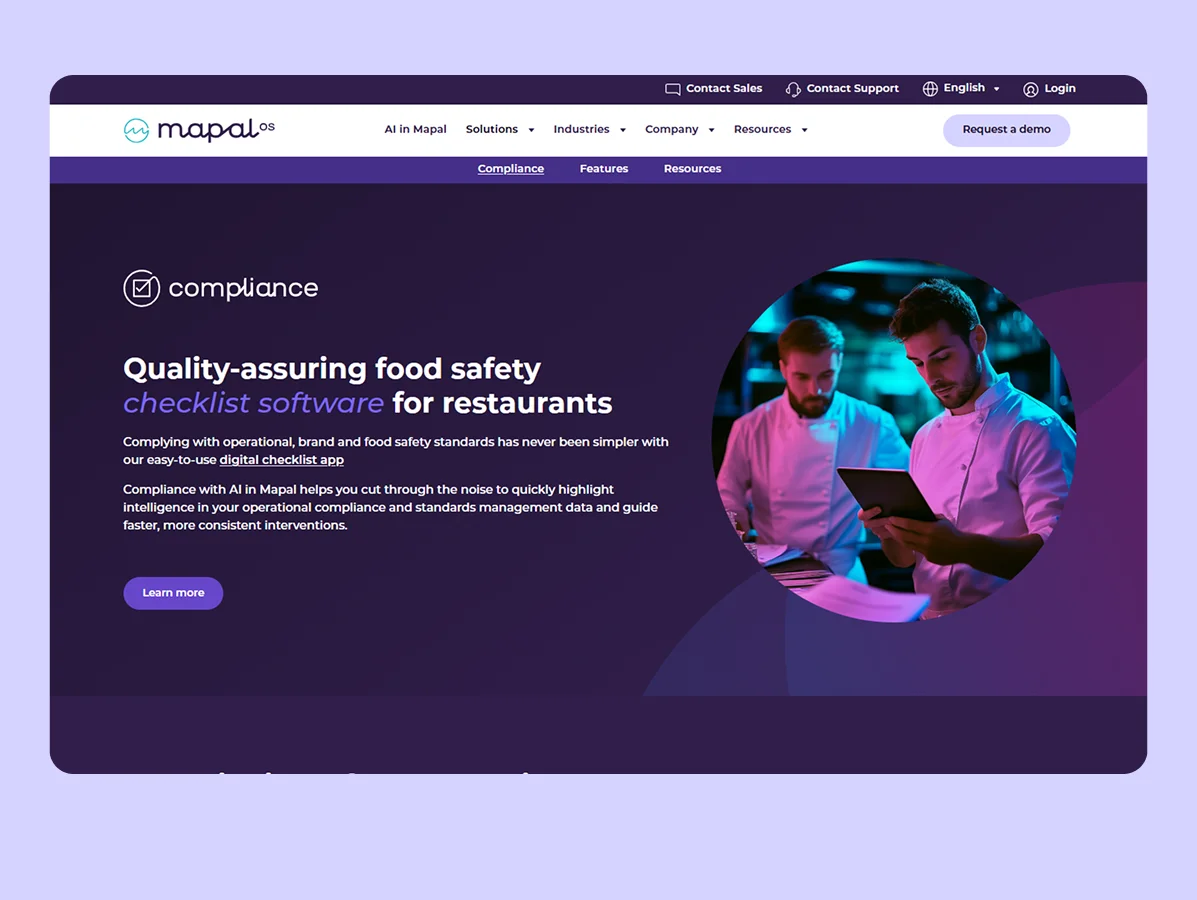
Compliance
#saas
#.net
#android
#angular
#azure
#c#
#ios
Sweden

Compliance

Compliance management platform for task creation and monitoring
Our work covered both web and mobile: redesigning the existing system, developing new functionality, revamping the API, and building the iOS and Android versions.
View case study

&frankly
#hr
#android
#ios
#python
Sweden

&frankly

Mobile applications for workplace improvement services
Vilmate became &frankly’s long-term mobile partner, re-engineering the app’s existing functionality for iOS, Android, and tablet applications.
View case study

Questions clients ask
before they start

What's the difference between an automated scan and a full audit?
Automated tools flag maybe 30% of actual accessibility issues — the structural, obvious ones. A full audit adds manual testing with screen readers, keyboard navigation, and real user scenarios. That's where most of the meaningful problems surface.
Which compliance standard do you audit against?
Most clients need WCAG 2.1 Level AA — it's the baseline for both ADA compliance in the US and the European Accessibility Act. We can also work against WCAG 2.2 or Section 508 if your context requires it.
How long does an audit take?
For a typical business site, two to three weeks. Larger platforms with complex user flows take longer. We'll give you a realistic estimate after the scoping call.
Do you fix the issues or just report them?
The audit delivers a prioritized report with remediation guidance. If you need the fixes implemented, we can scope that as a separate engagement — same team, no handoff overhead.
Our site was built by another team. Does that matter?
Not really. We audit the live site regardless of who built it. If remediation work follows, we'll assess the codebase then — but the audit itself doesn't depend on it.

Let's take a look
at your site.

Tell us a bit about what you're working with — we'll come back with a scoping proposal.
Prefer a call?
Pick a time that works for you.
Book a call


    Latest insights

    Order Management Software for Small Business: How to Choose the Right System
    September 23, 2026
    Inna Feshchuk
    Order Management Software for Small Business: How to Choose the Right System #E-commerce
    When order management in a Google Spreadsheet becomes problematic, most small business owners usually do the same thing: type “10 best OMS” in Google search, open up several tabs, and try to choose the winner by the number of stars on review pages.  These rating tables, however, rarely take into consideration your particular characteristics, such […]
    CRM and OMS: What Is the Difference and How to Make Them Work Together
    September 15, 2026
    Inna Feshchuk
    CRM and OMS: What Is the Difference and How to Make Them Work Together #E-commerce
    CRM and order management systems are two different systems that exchange data. They address different questions: it’s “Who is our client, and why are they buying this?” for the CRM and “What exactly has been ordered, and where is it now?” for the OMS.  These two systems are meant to complement each other, but in […]
    Defining OMS Requirements: A Practical Guide for E-Commerce Teams
    September 9, 2026
    Inna Feshchuk
    Defining OMS Requirements: A Practical Guide for E-Commerce Teams #E-commerce
    Building or selecting an OMS without a clear list of requirements is like building a house without a blueprint. Companies often focus only on order intake and overlook critical backend fulfillment, inventory synchronization, and less common order scenarios.  Avoiding these mistakes means distinguishing between business needs and the technical tools that fulfill them—which is why […]